
Which ZKTeco Device Is Best for a Garment Factory? Face, Fingerprint or Card Compared
Face recognition, fingerprint or card? How to choose a ZKTeco attendance device for a garment factory, what to check before buying, and how many devices you need.
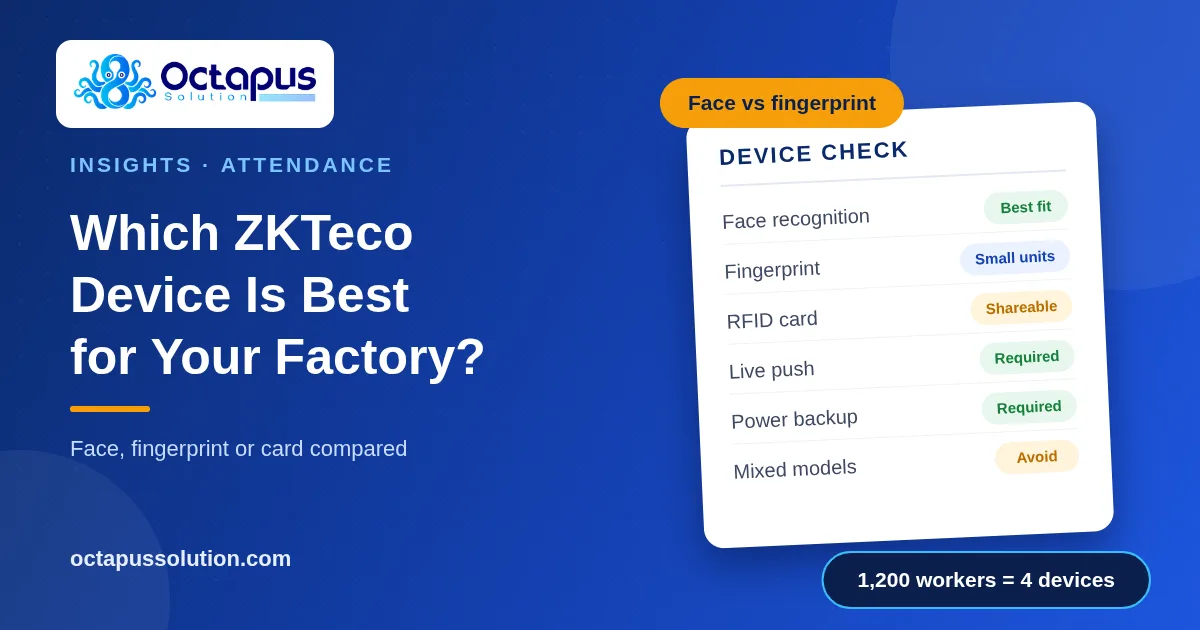
The attendance device is the first link in your payroll chain. If workers queue for ten minutes at the gate, or the device cannot read their fingers, every number after it is in doubt. This guide compares the three common ways to punch on ZKTeco devices and shows how to choose for a garment factory floor.
Face, fingerprint or card: the short answer
Method | Strengths | Weak points on a factory floor |
|---|---|---|
Face recognition | Touchless, fast, nothing to carry or share | Higher device cost; needs sensible placement and lighting |
Fingerprint | Lower device cost, widely used | Worn, wet, oily or dusty fingers fail to read; a touched sensor needs cleaning |
RFID card | Very fast, cheapest per punch | Cards are lost, forgotten and shared, so one worker can punch for another |
For most garment factories, face recognition is the better choice at the main gate. Workers in washing, dyeing, cutting and finishing often have fingers that a fingerprint sensor struggles to read, and a failed read at 7:55 am turns into a queue. Fingerprint remains a reasonable choice for small units and office staff. Card alone is hard to defend in an audit, because it proves the card was present, not the person.
What to check before you buy any model
User capacity. The device must hold every worker who will punch on it, with room for growth and turnover.
Record capacity. If the network goes down, the device stores punches until it reconnects. More records means more days of safety.
Verification speed. A one second difference per worker becomes many minutes at shift start.
Network options. Wired TCP/IP is the most reliable. Wi-Fi is useful where cabling is hard.
Live push to software. The device should send punches to your attendance software by itself, without someone downloading logs by USB.
Power backup. Load shedding should not stop the gate.
The same model family across the factory. Mixed models and old firmware are a common cause of sync trouble.
An example: the SpeedFace-V5L
The SpeedFace-V5L is a commonly sold ZKTeco visible light face terminal. Its published specification lists 6,000 face templates, 200,000 stored records, recognition in about one second, and TCP/IP with optional Wi-Fi. Capacity like this suits a medium factory gate. Specifications differ between variants, so confirm the exact model with your supplier before ordering.
How many devices do you need?
Do not plan from the device's rated speed. Plan from how long a real worker takes to walk up, look at the device and move on, which is closer to 3 seconds.
Step | Calculation | Result |
|---|---|---|
Punches per device in 15 minutes | 900 seconds ÷ 3 seconds | 300 workers |
Devices for 1,200 workers on one shift | 1,200 ÷ 300 | 4 devices |
Treat this as a starting estimate, then watch the gate for a week and adjust. Spread devices across entrances so one failure does not stop everyone.
The device is only half the system
A good device with weak software still gives you missing punches, duplicate records and Excel work at month end. Our guide to ZKTeco attendance sync problems covers the usual causes. What matters is what happens after the punch: pairing punches into worked hours, flagging odd days for review, and feeding the salary sheet.
Choose the device and the software together
Octa Punch is built for garment factories running ZKTeco attendance. Devices push each punch into the system live, or a raw log can be imported in bulk. Punches are paired into a daily card, odd days go to a review queue, and the salary sheet is generated from attendance. If you are about to buy devices, talk to us first and we will confirm the model works before you spend the money.